

Office Chair Types: What Works for Bulk Orders
Mesh vs leather, lumbar support features, and cost-effective options when ordering chairs for your entire team.
Read MoreHeight-adjustable options, material choices, and sizing guidelines to fit your office layout and worker needs.
Written by the crestfeld editorial team, focused on practical guidance for corporate office furniture purchasing and ergonomic workspace solutions.
Picking the right desk for your team isn't just about finding something that looks good. You're solving a real problem — making sure people can work comfortably for 8+ hours without back pain, neck strain, or wrist issues. The right desk makes a difference. We're going to walk you through what matters when you're buying desks in bulk.
Whether you're outfitting a startup with 10 people or a corporate office with hundreds of workers, the fundamentals stay the same. It's about height, adjustability, materials, and how the desk fits into your actual space.
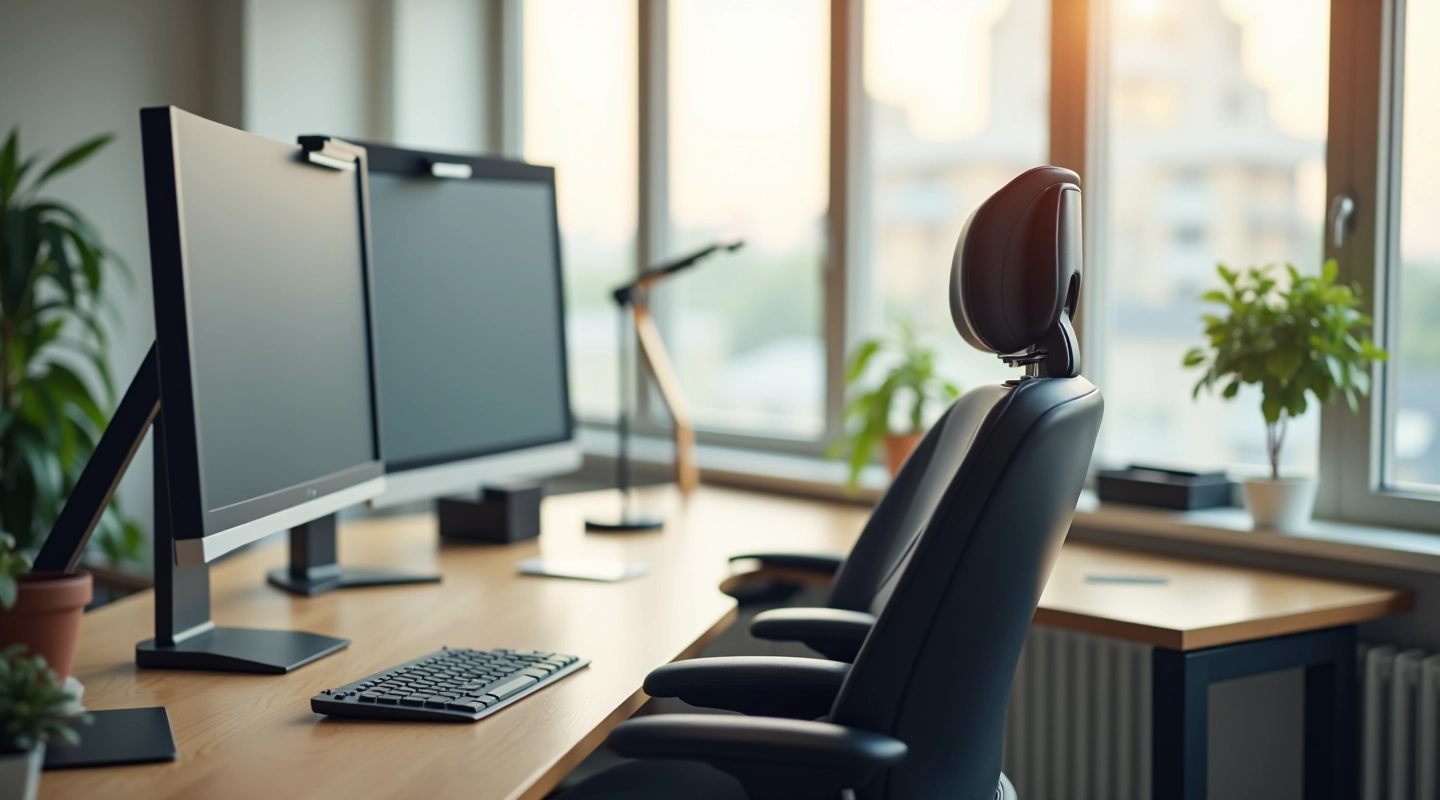
This is the first decision you'll make, and it matters more than you'd think. Fixed-height desks run about 29 to 30 inches — that standard height works fine if everyone on your team is roughly the same height. But here's the reality: you've got tall people, short people, and everyone in between.
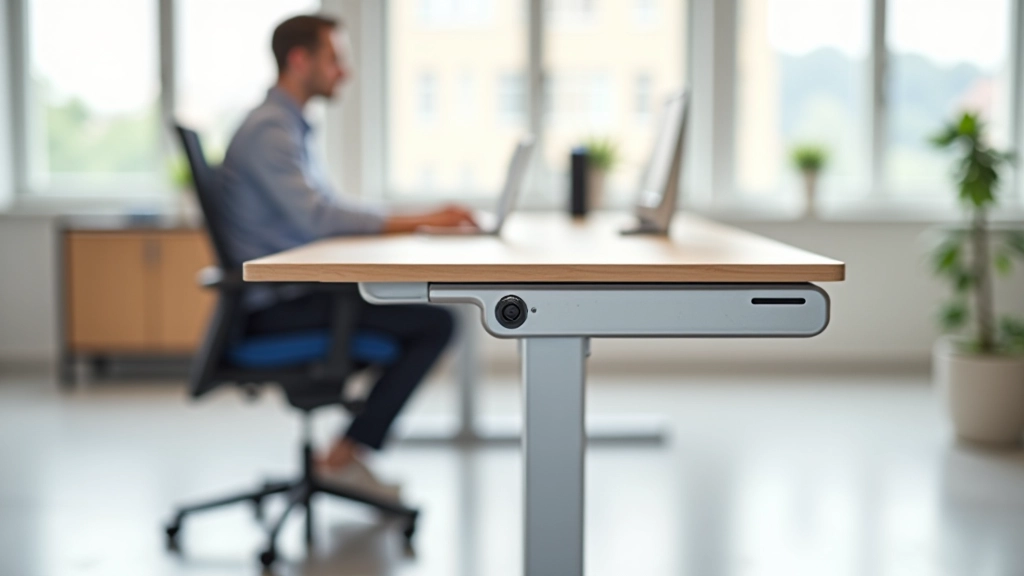
Height-adjustable desks let people find their own perfect height. Some move up and down manually with a hand crank (cheaper, reliable). Others use electric motors (faster, more convenient, slightly more expensive). You'll see models ranging from 22 inches at the lowest setting to 48 inches at the highest.
When you're buying for a team, height-adjustable desks mean fewer complaints, fewer ergonomic issues, and people who actually want to work at their desks. The upfront cost is higher, but you're preventing back problems and increasing productivity. Most teams see the value pretty quickly.
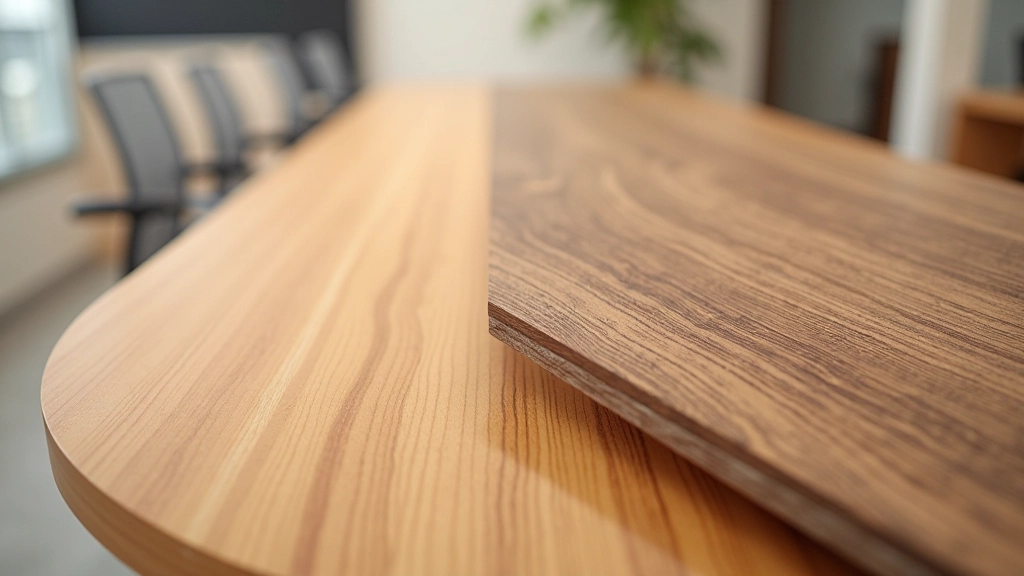
You've got three main options when it comes to what the desktop is made from. Laminate is the budget choice — it's affordable, durable enough, and comes in dozens of finishes. It can handle normal wear but scratches show up pretty easily. Solid wood looks professional and lasts forever, but it's expensive and requires maintenance. Engineered wood sits in the middle: it looks good, handles heavy use, and doesn't cost as much as solid wood.
Size matters here: A desk for a single workspace might be 48 inches wide. Collaborative spaces often need 60 to 72 inches. Depth is usually 24 to 30 inches — go deeper if people need space for monitors, keyboards, and papers all at once.
Don't cheap out on the surface if your team will be using these desks every single day. A slightly better material now means you won't be replacing desks in 3 years.
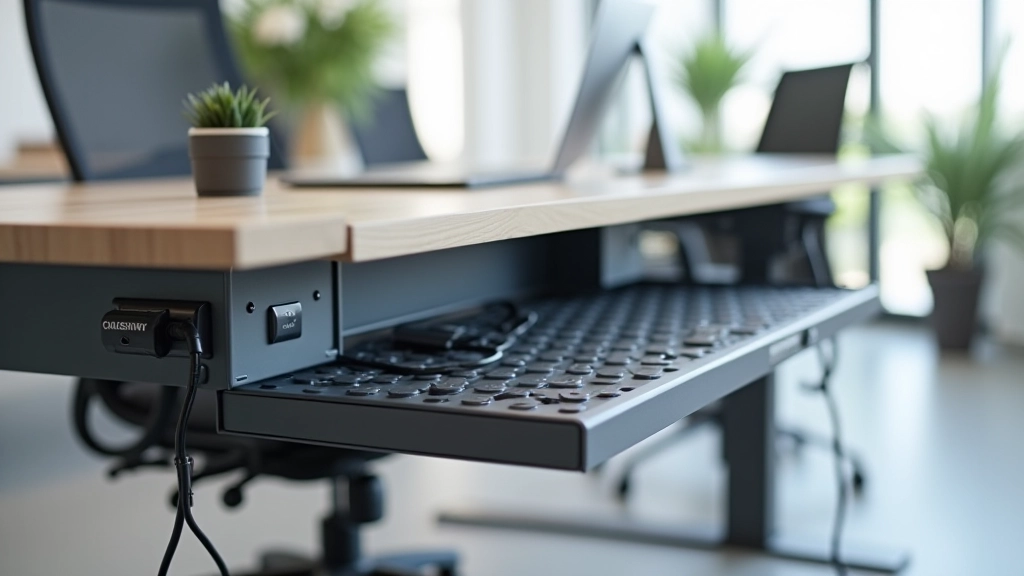
Modern office work means cables everywhere — power, USB, network, monitor connections. You don't want your desks looking like a tangled mess of wires. Many quality desks come with built-in cable trays underneath or integrated channels that route cables neatly. It's not a luxury feature — it's practical.
Some desks include cable ports drilled into the desktop itself. Others have grommets (rubber-lined holes) where cables pass through cleanly. When you're outfitting an entire office, these little details add up to a space that actually looks professional and organized.
Power distribution matters: Make sure desks have accessible power outlets built in or nearby. If people are constantly hunting for an outlet or using extension cords across the floor, you've created a problem instead of solving one.

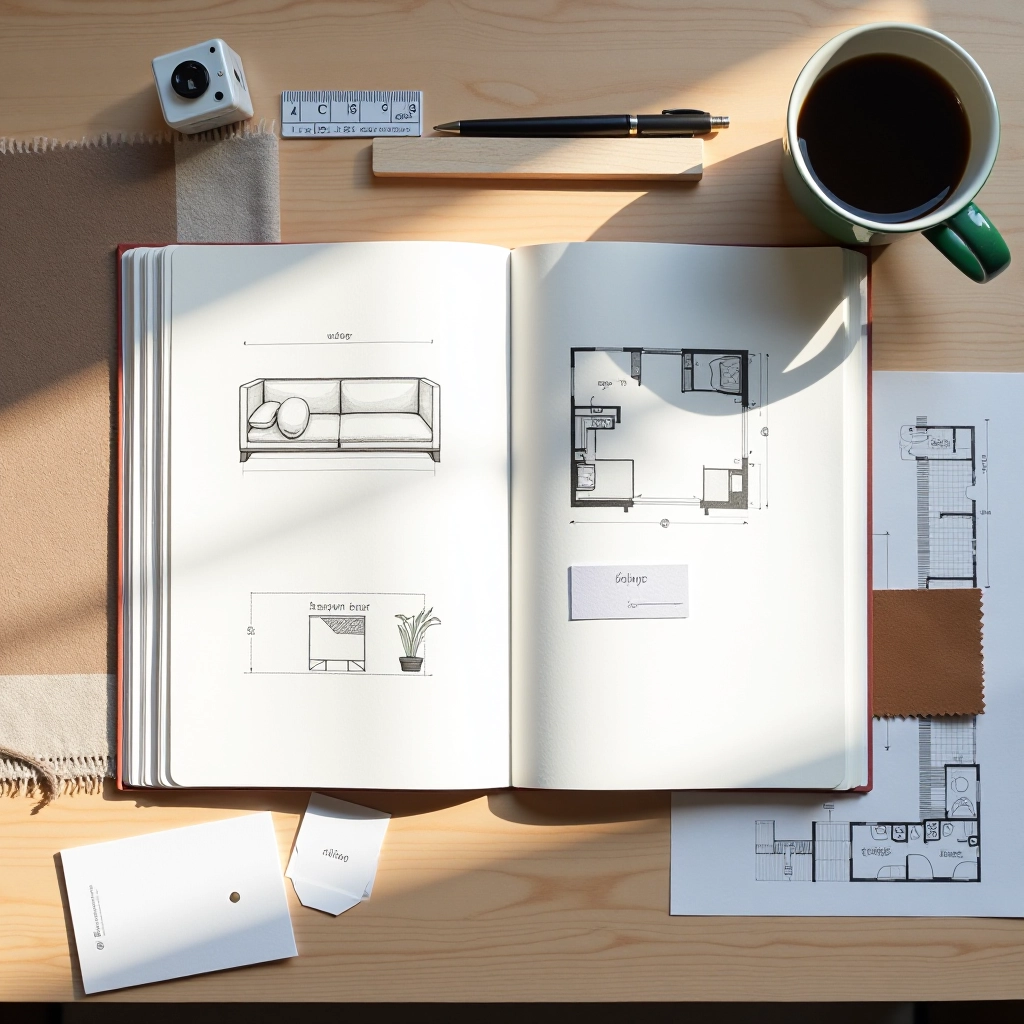
Before you place an order, measure your actual office. How much square footage do you have? Where are the windows, doors, and traffic paths? You don't want to fill an open office with desks that leave no room for people to walk or collaborate.
A good rule of thumb: each person needs about 50 to 70 square feet of workspace. That includes desk space plus the area they move around in. If you've got 1,000 square feet, you can fit roughly 15 to 20 workstations — but don't cram all of them in. People work better when they're not stacked on top of each other.
Bulk ordering tip: When buying 10+ desks, you'll get volume discounts. But make sure you have a clear layout before ordering. It's expensive and disruptive to realize mid-installation that your desks don't fit the way you planned.
Disclaimer: This guide provides general information about choosing ergonomic desks for office environments. It's not a substitute for professional ergonomic assessment or medical advice. Individual needs vary based on job tasks, health conditions, and personal preferences. When setting up workspaces for employees, consider consulting with an ergonomic specialist or occupational health professional to ensure compliance with workplace health and safety standards. Prices, availability, and specifications for furniture vary by supplier and location.
You've now got the framework for choosing desks that work. Start with height adjustment — it's worth the investment. Pick a material that matches your budget and durability needs. Make sure cable management is built in. And most importantly, measure your space before you order.
Your team spends more time at their desks than anywhere else except home. A well-chosen desk improves comfort, reduces pain, and actually makes people more productive. It's one of those purchases where spending a bit more upfront saves headaches (literally and figuratively) down the line.
Ready to move forward? Get in touch to discuss your specific needs and get recommendations tailored to your office setup.
Contact Us for a ConsultationExplore more guides for building your ideal office environment
Mesh vs leather, lumbar support features, and cost-effective options when ordering chairs for your entire team.
Read More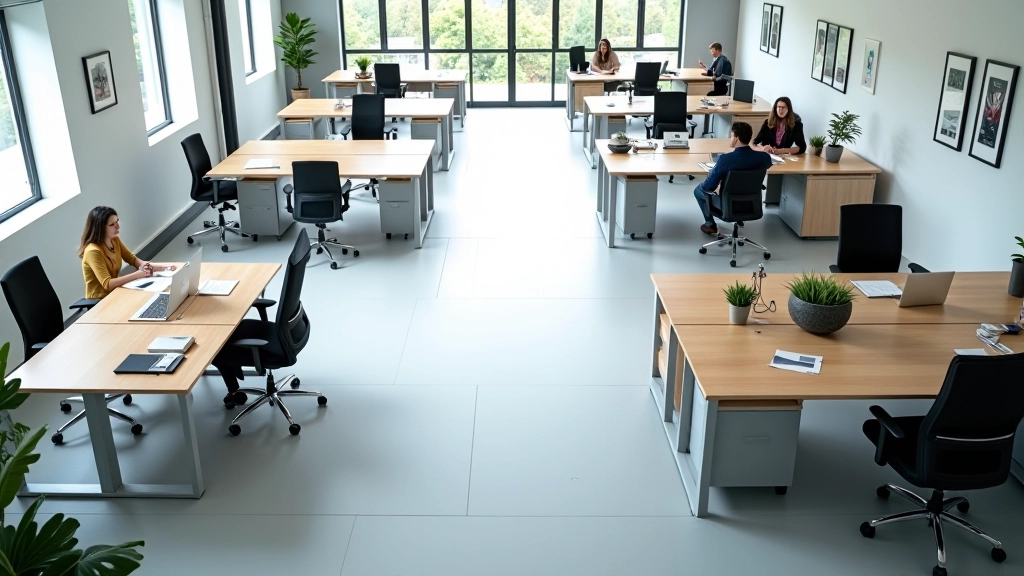
Workspace measurements, traffic flow, storage solutions, and furniture arrangement strategies for optimal office design.
Read More
What to expect when placing a bulk furniture order, typical lead times, delivery logistics, and setup guidance.
Read More